In the app
Open Life Tape, go to Settings → Delete Data or Delete Account, and confirm. This immediately deletes your account and all data tied to it.


Account & Data Deletion
You can permanently delete your Life Tape account and all associated data at any time, whether or not you still have the app installed.
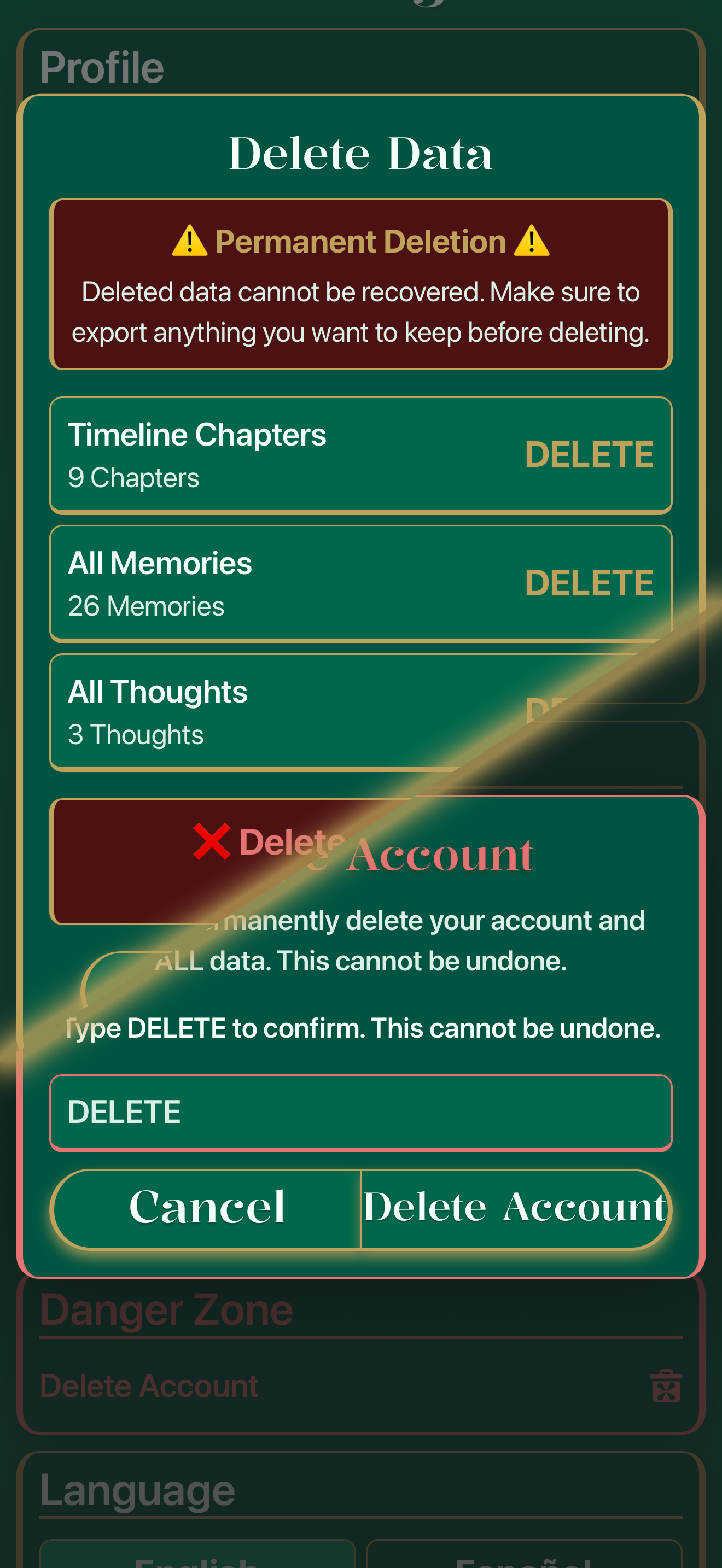
In the app: Settings → Delete Data or Delete Account.
Use whichever is easier — both result in permanent deletion.
Open Life Tape, go to Settings → Delete Data or Delete Account, and confirm. This immediately deletes your account and all data tied to it.
No longer have the app installed? Email support@lifetape.app from your registered email address with the subject line "Delete My Account." We'll process the request from our end.
What gets deleted
All memories, recordings, transcripts, chapters, Life Weave narratives, and account/profile information are permanently deleted from our servers within 30 days of a verified deletion request. This includes both your standard memories and any content stored in your Private Side.
What's retained
Subscription transaction records may be retained by Apple, Google, and/or RevenueCat as required for tax, accounting, and fraud-prevention purposes, independent of your Life Tape account deletion. This does not include any memory content, recordings, or transcripts — those are deleted in full.