
How to Use LifeTape
Four screens, one simple flow. Capture in the moment, review later, and keep private thoughts private.
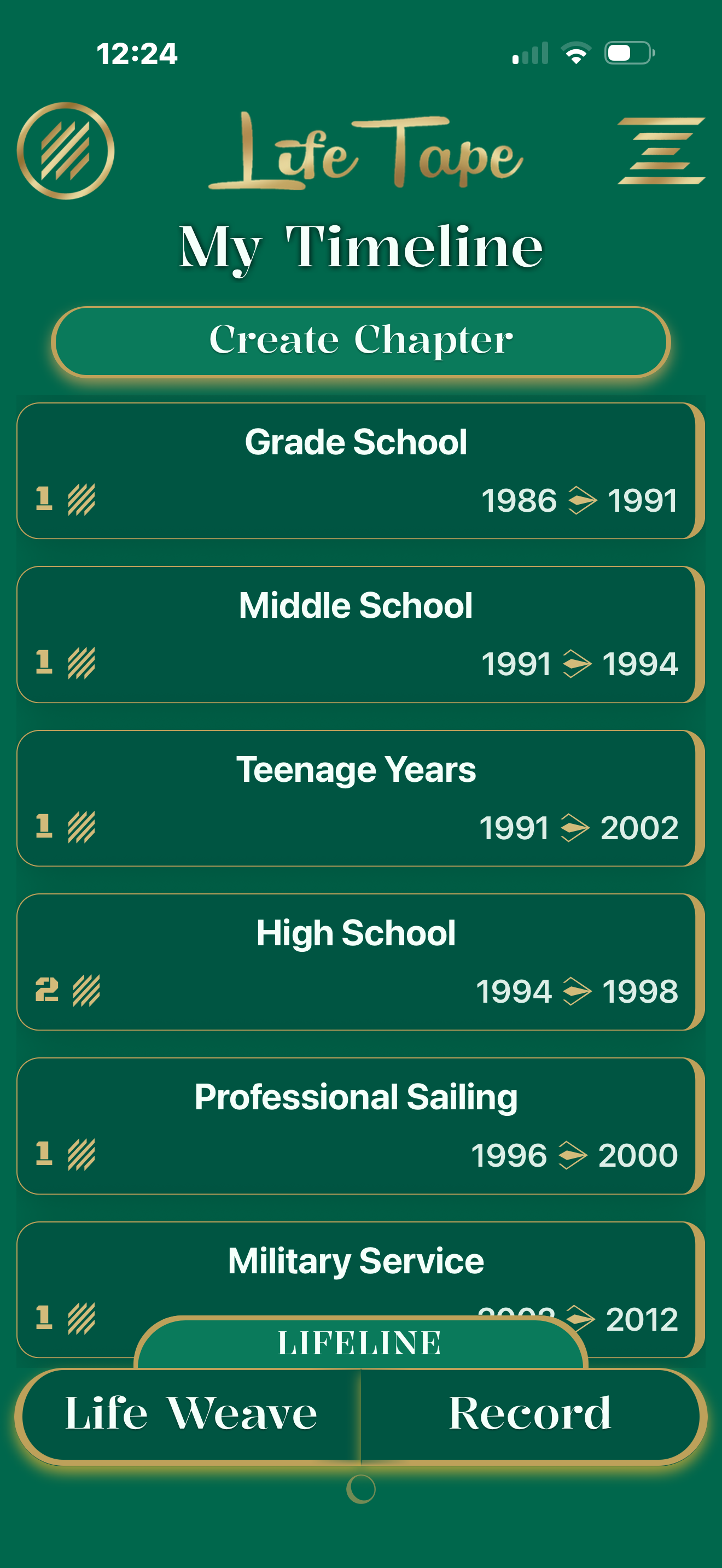
Timeline
- Create life phases using keywords and date ranges.
- Your transcriptions use those keywords to help auto-date memories.
- Use the Lifeline ribbon scroll to see phases and overlaps at a glance.
- Tap a phase to filter and review memories that belong to it.
Record
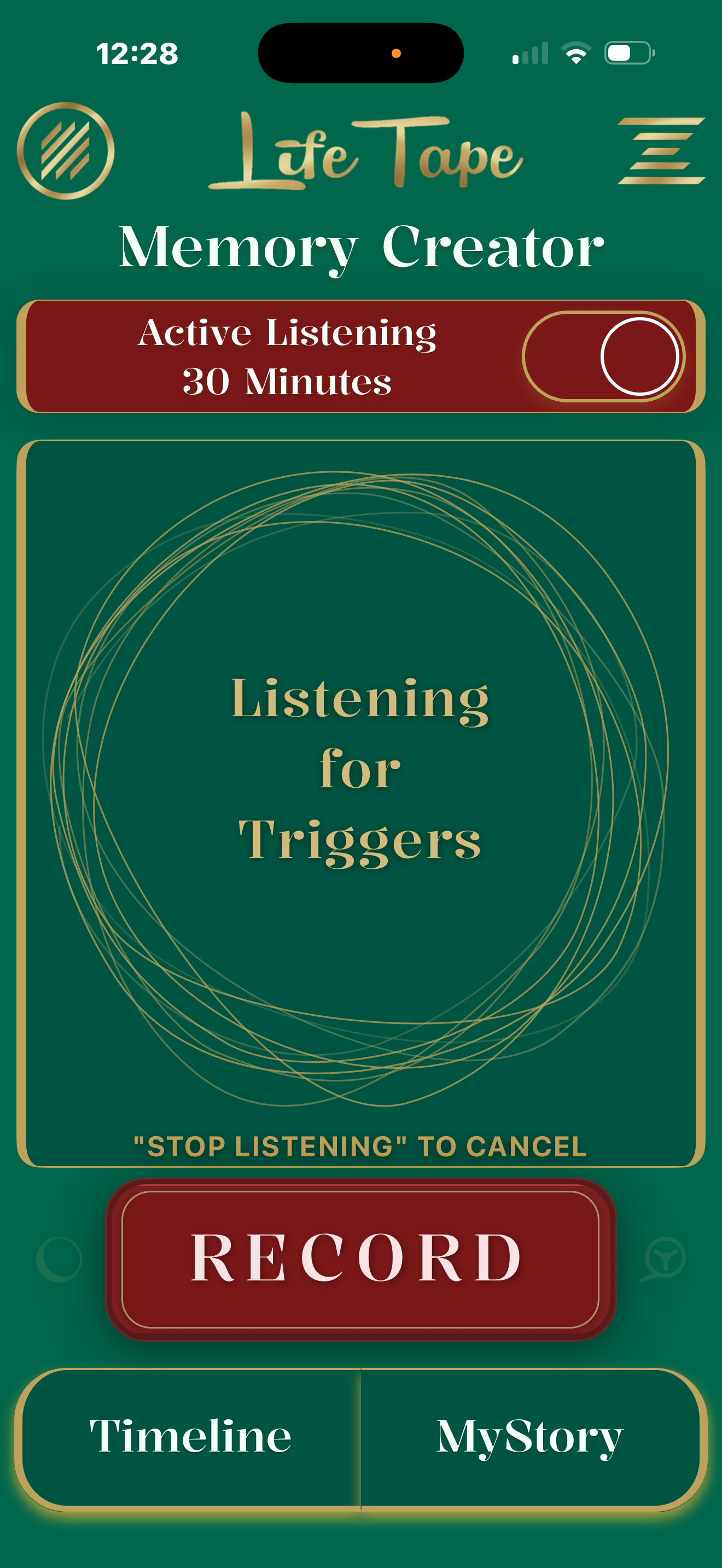
- Toggle Active Listening for hands-free, trigger-based capture.
- See a live transcript while you speak, then a quick review moment.
- Auto-saves the transcription after a 6 second review, or tap to edit title/date/transcript before saving.
- Hands busy? Turn it on, "Remember this" ____something you will forget later____ "Stop Tape", dictated for a copy/paste later.
- Life Tape is also Bilingual easy toggle in settings and it will listen and dictate in spanish.
MyStory / MyThoughts
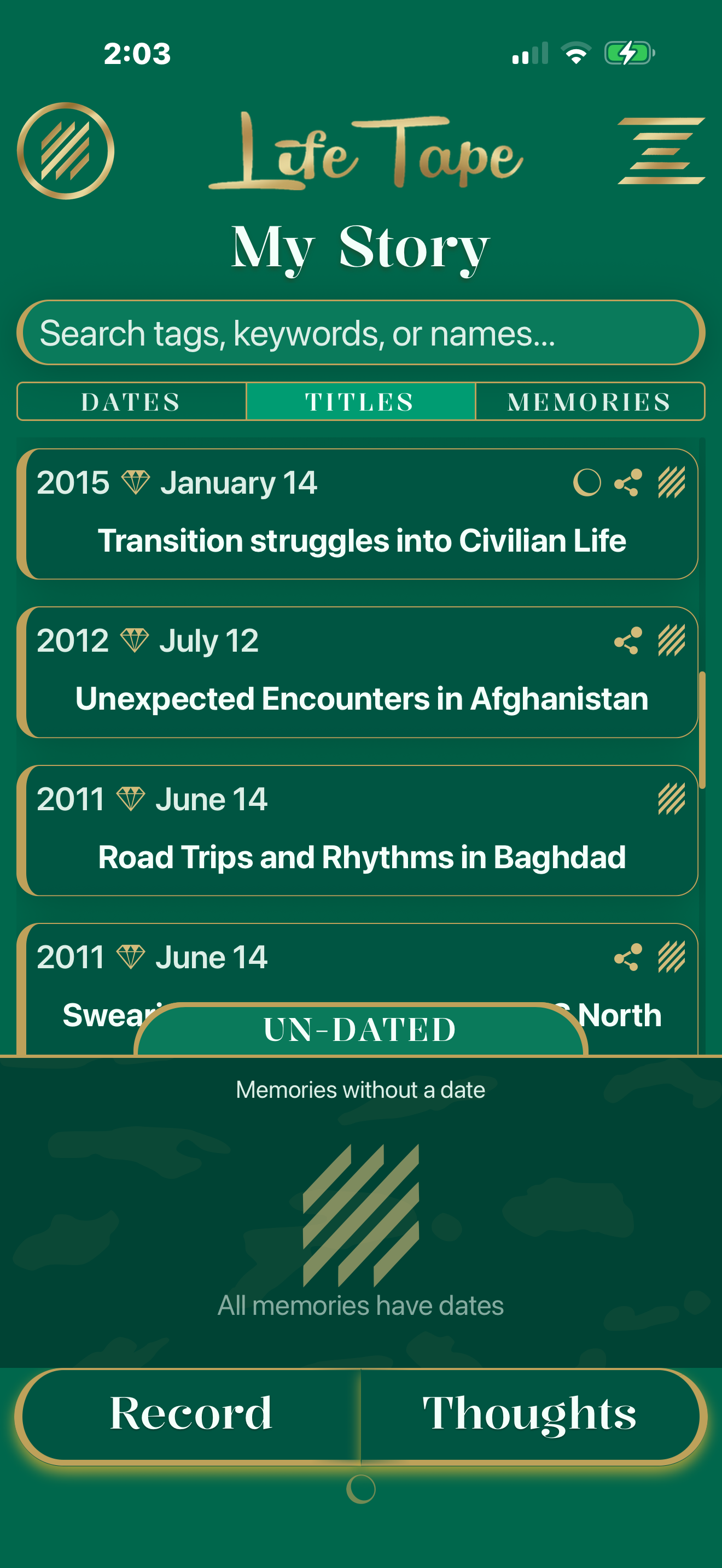
- Browse memories in chronological order with a search feature at the top.
- Zoom for titles + previews, or zoom out for a clean date view.
- Use the bottom drawer to manually date items that couldn’t be auto-dated.
- Jump to MyThoughts: a mirror of MyStory but for un-dated notes, jokes, or phrases to keep.
Settings
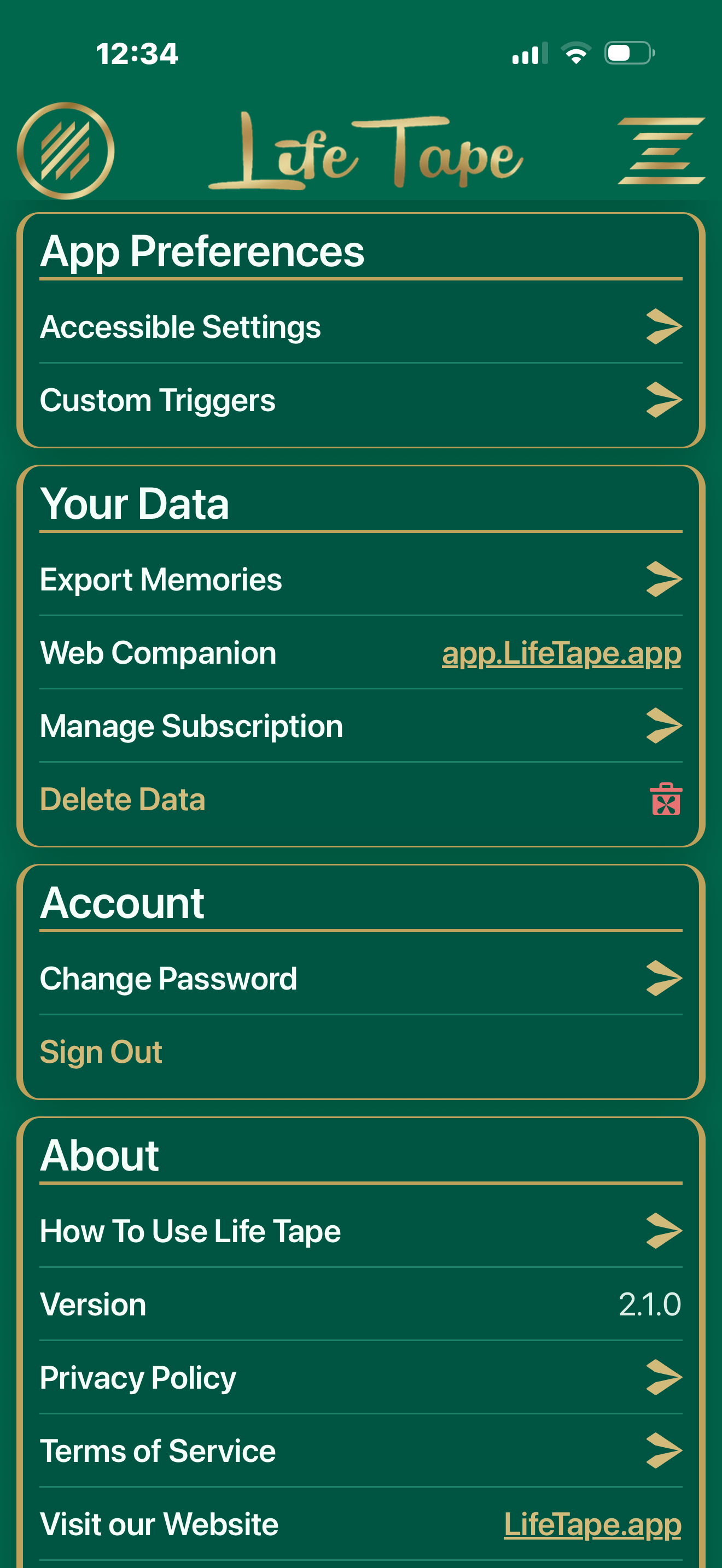
- Create your own or view system trigger words for start, stop, sensitive material, or random thoughts.
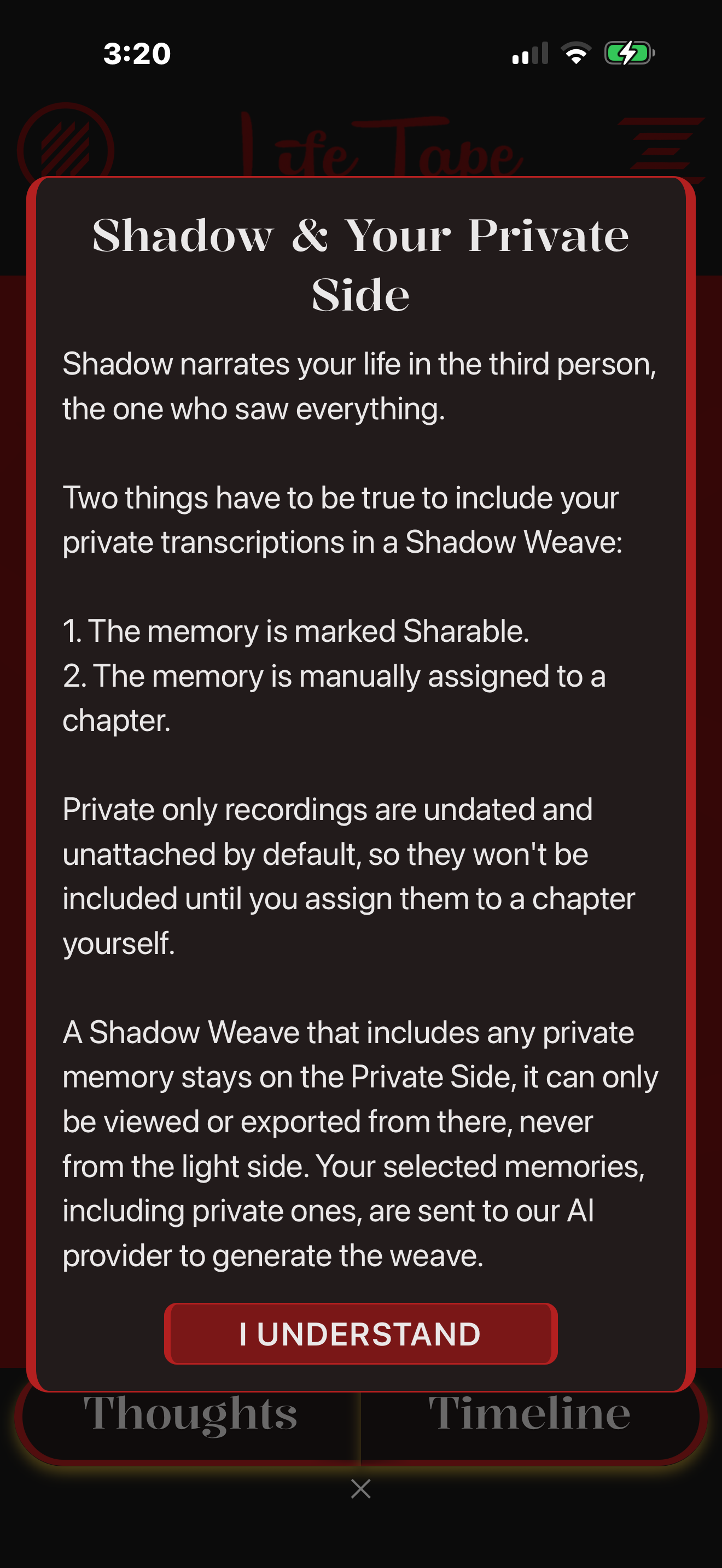
- Set a 6-digit PIN to protect access to sensitive, private entries only you can view.
- Export memories and thoughts: selected items, bulk, or your full timeline.
- Access profile, accessibility help, and links to our privacy policy and terms of service.